

The world awaits you again.
Return to Azeroth. Discover new horizons.
Write the next chapter of your adventure on Vaeldrion Forever.
Azeroth, reimagined.
Your story, always.
The Forever client includes its own graphics, new appearances and Éolides. Our Normal and PvP realms welcome you to explore this world up to level 60.
A dedicated launcher, your characters at your fingertips and an accessible team in your account area: find everything you need in one place.
Discover your next world ↗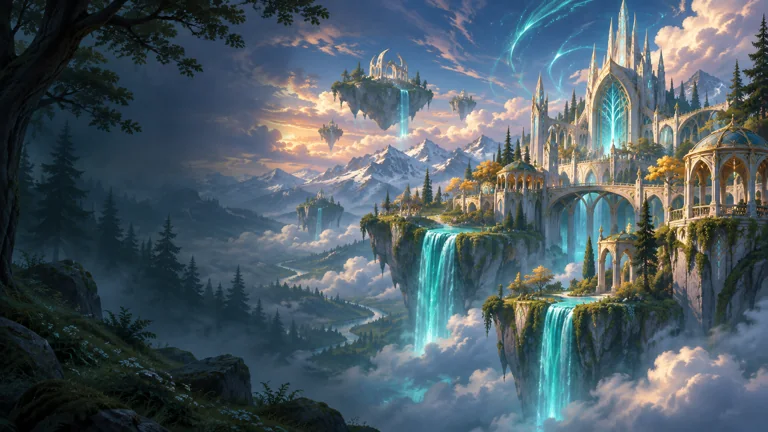
Let yourself be surprised.
Explore Forever ↗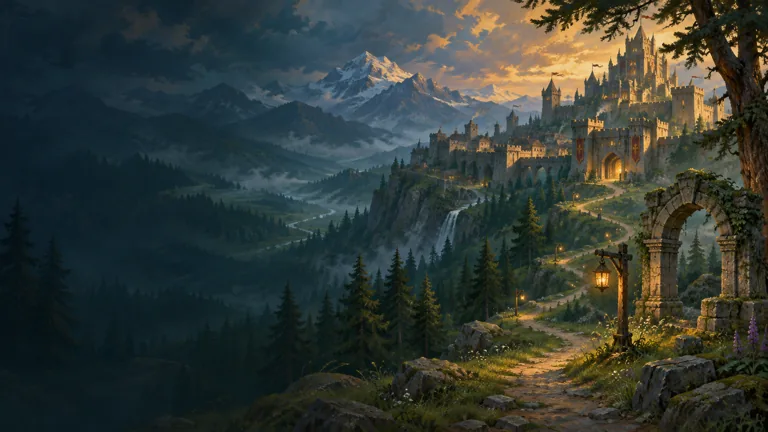 01 / YOUR HEROES
Equipment tells
your adventure.
Find saved characters, equipment and talents in the armory. The first 3D portraits come to life.
Open the armory ↗02 / BY YOUR SIDEOne team.
An ongoing conversation.
Account, connection or character: keep your requests and the team’s replies in your account area.
Find my support ↗Your world,
in a few clicks.
The Vaeldrion launcher handles downloads, Forever client files and connection preparation. Your library stays separate from Battle.net.
Download for Windows ↗Windows 64 bits · Bêta ouverte · PvE et PvP
- 01Create your account
One identity for your characters, launcher and support.
- 02Install Forever
The right client, verified files and a download that can resume.
- 03Return to your adventure
Sign in to the launcher and use the Play button.
Life on the realm.
 News article
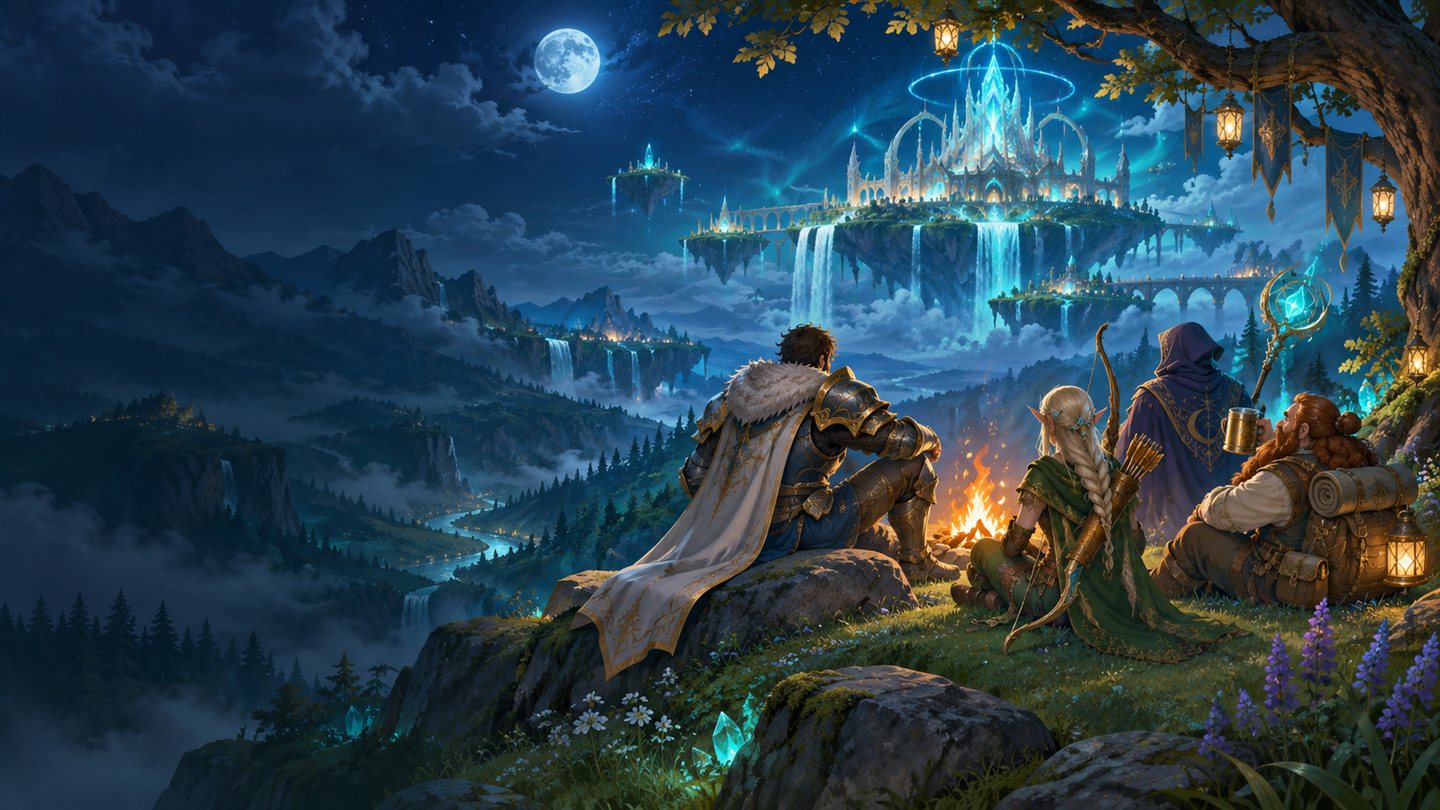
Discord Vaeldrion : votre communauté, votre langue, votre assistance
Six langues, des forums de support et un point de rencontre pour les joueurs des royaumes Normal et JcJ : découvrez le Discord officiel Vaeldrion.
Read the story News article
Vos retours façonnent la bêta
Forum, signalements et assistance : choisissez le bon espace pour être entendu.
Read the story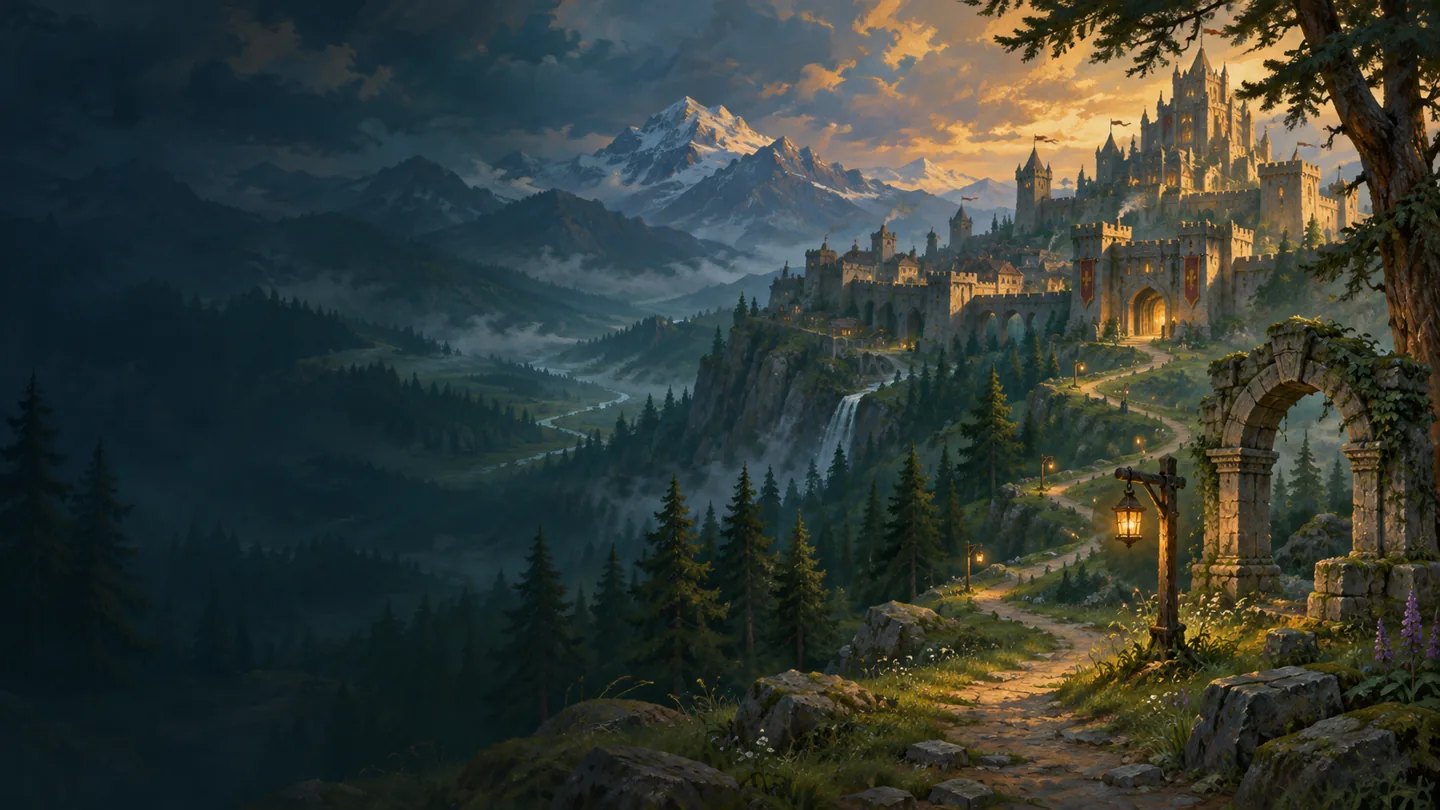 News article
Un launcher pour vos deux royaumes
Un compte, un client, une entrée Vaeldrion - Forever. Choisissez Normal ou JcJ directement dans le jeu.
Read the storyYour next
adventure begins
with a new friend.
Meet Vaeldrion players on Discord: discussions, groups, announcements and technical support in your language.
Join Discord ↗English · Français · Deutsch · Español · Italiano · РусскийYour first questions.
Is the realm open to everyone?
Open beta is available to everyone with a Vaeldrion account. Launch Vaeldrion - Forever, then choose Normal or PvP directly in the game. Each realm has separate characters.
Do I need to modify my Battle.net installation?
The launcher uses its own Vaeldrion library. Your official installation files stay separate.
How do I find my characters?
Sign in to your account, then open My Characters. The armory shows the latest data saved on the server.
How do I contact the team?
Open a request in your support area, or visit our contact page. Never share your password.